
Make your first deposit
Register, make a deposit above 1 USD and claim the welcome bonus.
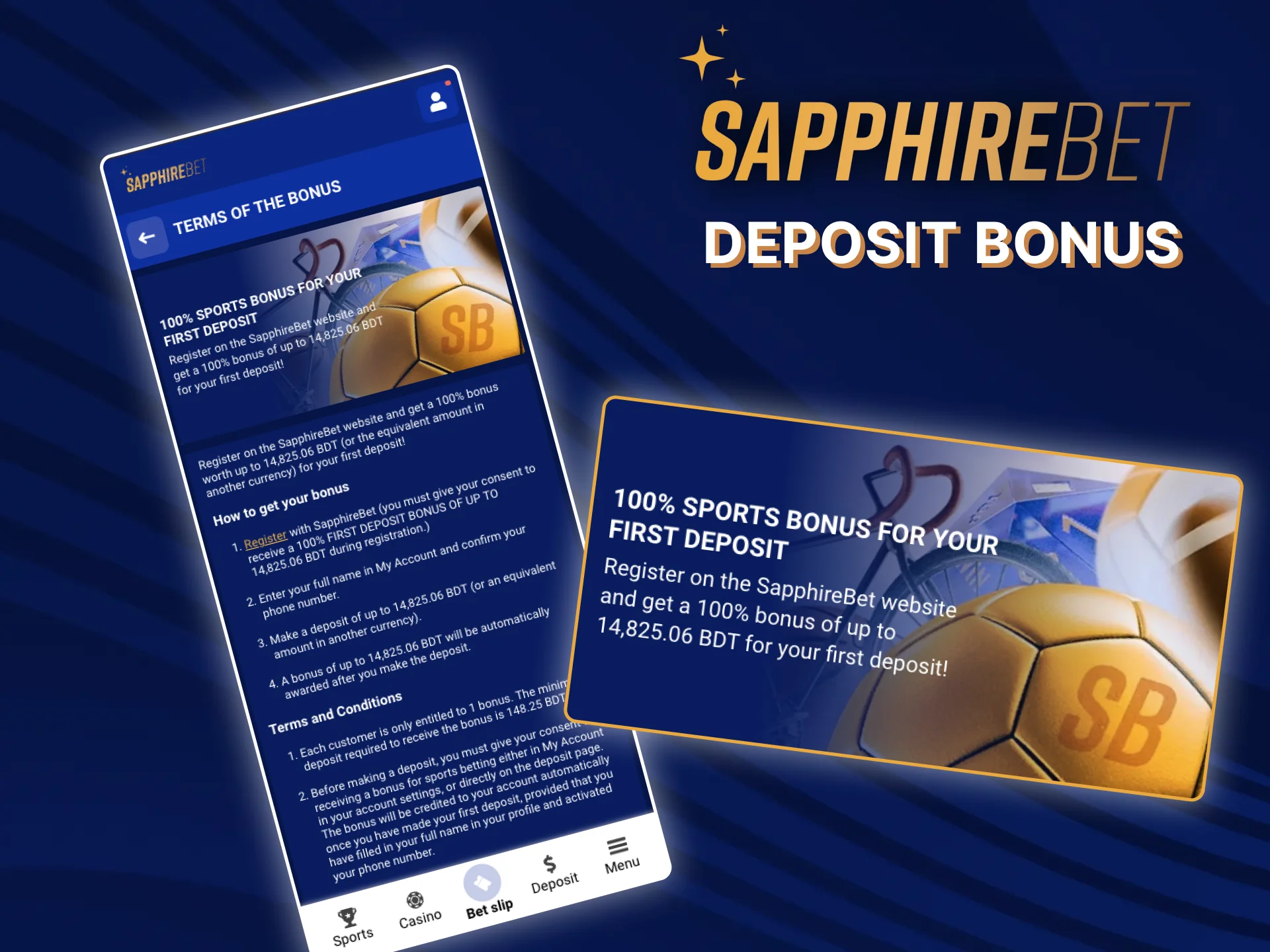
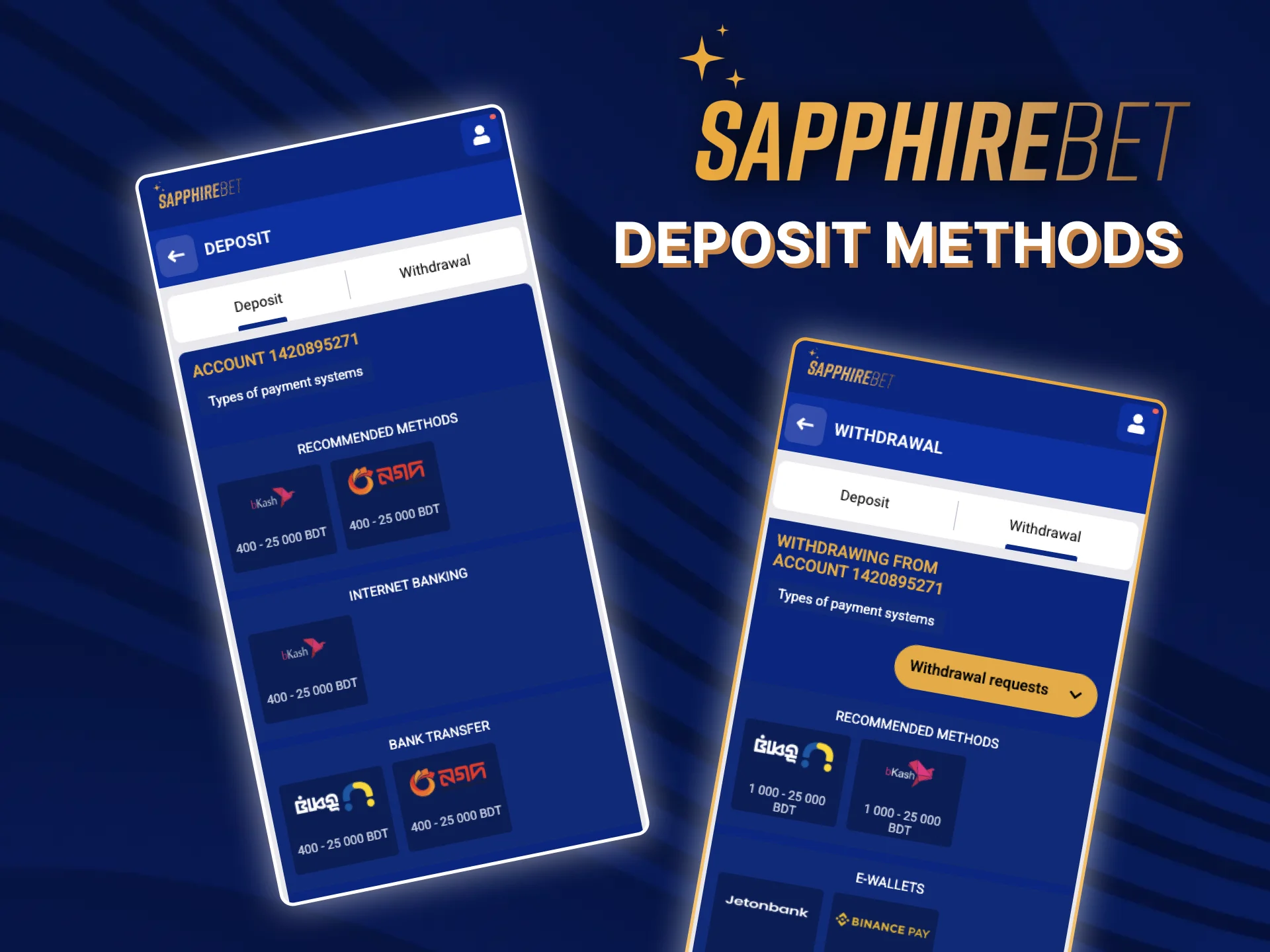
You can fund and cash out in Bangladesh using 3 options: bKash, Upay, and Binance Pay. Minimum and maximum limits for each method are shown in the cashier. Examples include bKash Send Money, bKash Payment, Upay app transfer, and Binance Pay by UID. New players get a 100% first deposit bonus up to 105 USD.

You only need your SapphireBet account, a supported payment method, and enough balance in your wallet or bank. Keep your bKash/Upay/Binance app ready to confirm the transfer.
Open the website or app and sign in. New users should complete registration and set BDT as the currency.

Open the Cashier from the header or profile menu. Select Deposit to see available options for Bangladesh.

Pick bKash, Upay, or Binance Pay. Read the on-screen notes about limits, reference codes, and processing time.

Type the deposit amount in BDT. If shown, copy the merchant number, reference, or UID for the transfer.

Approve the payment in bKash/Upay/Binance Pay and return to Cashier. Funds appear instantly or within a few minutes.

You can use local mobile wallets and Binance Pay for funding. Limits, processing times and any fees for each method are shown in the cashier before you confirm a payment.
| Deposit method | Limits and processing time |
|---|---|
| bKash (Payment / Send Money) | Shown in the cashier |
| Upay | Shown in the cashier |
| Nagad | Shown in the cashier |
| Rocket (DBBL) | Shown in the cashier |
| Binance Pay (UID / QR) | Shown in the cashier |
| International card (Visa/Mastercard) | Shown in the cashier |
| Skrill | Shown in the cashier |
| Bank transfer (local) | Shown in the cashier |
You can claim a 100% match-up deposit bonus up to 105 USD on your first deposit. Make a deposit above 1 USD.
Check the bonus page for the current terms before you start.
You can withdraw funds to the same payment method used for your deposit when possible. Make sure your balance is wagered as required and your identity information is complete.

Go to Cashier and select Withdraw.

Select bKash, Upay, Binance Pay, or another available option. Read the method notes for limits and processing time.

Type the amount in BDT and enter the wallet number or UID if required. Check that the name on the payment method matches your account.

Confirm the withdrawal request. You receive updates in the Transactions or History section and by email or notifications.

You can cash out using the same wallets or channels you used to deposit. Withdrawals in cryptocurrency usually take minutes; e-wallet and internet-banking withdrawals take from a couple of hours to a few days. Limits and fees for each method are shown in the cashier.
| Withdrawal method | Limits and processing time |
|---|---|
| bKash | Shown in the cashier |
| Upay | Shown in the cashier |
| Nagad | Shown in the cashier |
| Rocket (DBBL) | Shown in the cashier |
| Binance Pay | Shown in the cashier |
| Skrill / Neteller | Shown in the cashier |
| International card | Shown in the cashier |
| Bank transfer (local) | Shown in the cashier |
Register, make a deposit above 1 USD and claim the welcome bonus.
You must follow these rules to keep financial transactions safe and fast.
These payment systems are trusted by players in Bangladesh for quick deposits.
Here are common issues you might face and how to fix them.
You can reach the support team 24/7 for any payment question.

Create your account and choose a payment method in the cashier.
The minimum deposit depends on the payment method and is shown in the cashier.
The minimum withdrawal depends on the payment method and is shown in the cashier.
Cryptocurrency withdrawals usually take minutes. E-wallet and internet-banking withdrawals take from a couple of hours to a few days.
Use the same method when possible. If unavailable, choose another verified method after identity checks.
Check the reference/UID and confirm the exact amount was sent. Share the transaction ID in Live Chat for a manual review.
Updated: